🇺🇸 🇸🇦 🇫🇷 🇪🇸 🇩🇪
Aroma IPTV Logo
Aroma IPTV Official Downloads
Downloads Hub

Aroma IPTV — TV App Download

Get the right app for your device — direct links + Downloader Codes.

✅ Android • iOS • Windows • Android TV • Smart TVs

Need help installing? Message us on WhatsApp.

Browse Apps Installation Guides
Official links Download only from this page or support links.
Downloader Code Each app has a Downloader Code you can copy in one click.
WhatsApp Support For activation, subscription, and installation help.
Contact on WhatsApp

Aroma IPTV Apps

Pick your device, download the app, or copy the Downloader Code.

All
Android
Windows
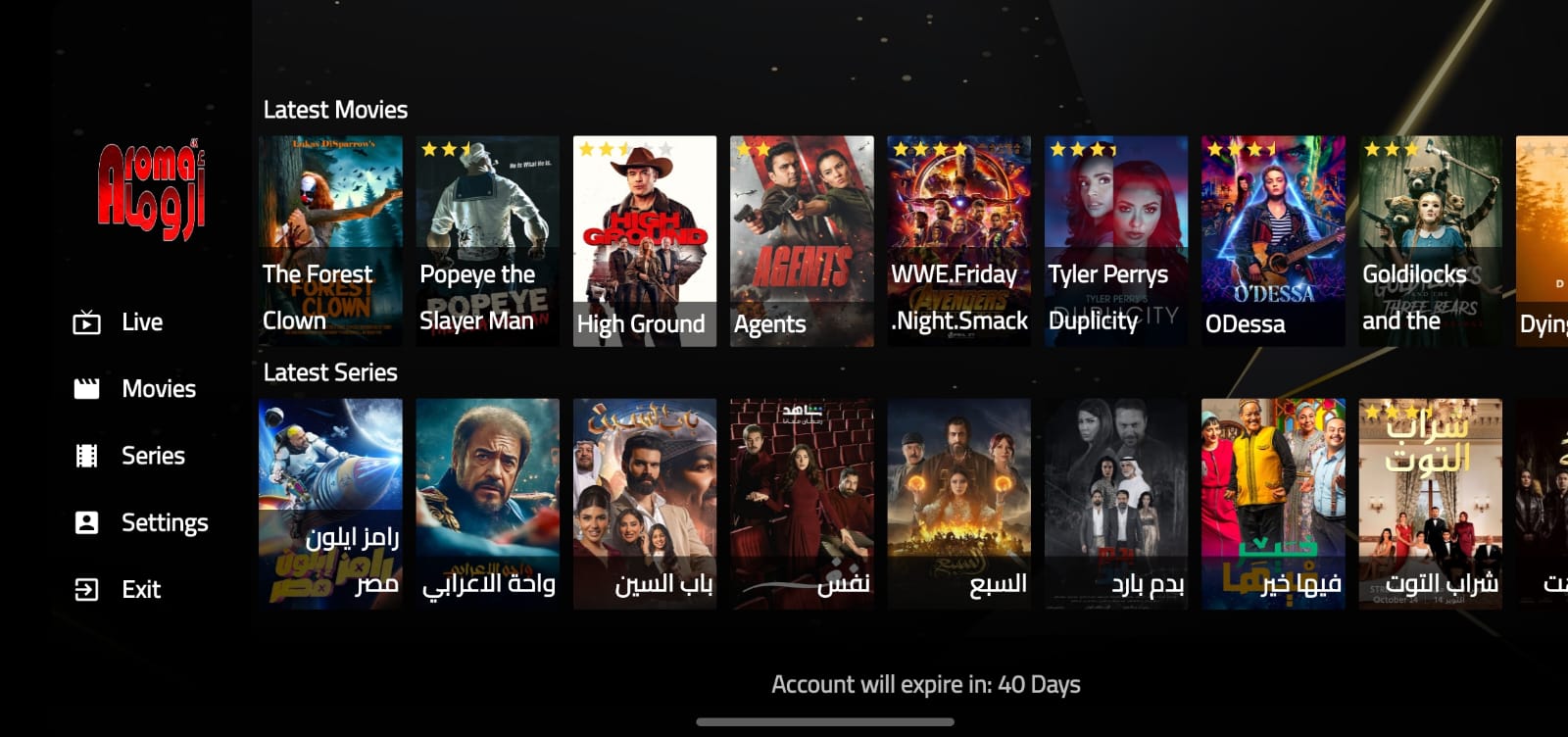
Aroma Show

Aroma Show

Downloader Code: 2583984 1
Official, safe download
Downloader Code
2583984
Aroma VIP

Aroma VIP

Downloader Code: 6805212
Official download for Aroma VIP. Activation code: 6805212.
Downloader Code
6805212
Aroma IPTV 4K

Aroma IPTV 4K

Downloader Code: 16589
Official download for Aroma IPTV 4K. Activation code: 16589.
Downloader Code
16589
Aroma IPTV TV

Aroma IPTV TV

Downloader Code: 4105691
Official download for Aroma IPTV TV. Activation code: 4105691.
Downloader Code
4105691
IBO Player 4K

IBO Player 4K

Downloader Code: 7781141
Official download for IBO Player 4K. Activation code: 7781141.
Downloader Code
7781141
Aroma Pro Smarters

Aroma Pro Smarters

Downloader Code: 9306987
Official download for Aroma Pro Smarters. Activation code: 9306987.
Downloader Code
9306987
Smarter IPTV Pro

Smarter IPTV Pro

Downloader Code: 1027681
Official download for Smarter IPTV Pro. Activation code: 1027681.
Downloader Code
1027681
Smarter IPTV Windows OS

Smarter IPTV Windows OS

Downloader Code: 2758991
Windows installer for Smarter IPTV. Activation code: 2758991.
Downloader Code
2758991

Installation Guides

Step-by-step setup for Android, Smart TV and iOS.

Choose your device below. If you get stuck, contact us on WhatsApp for activation and subscription help.

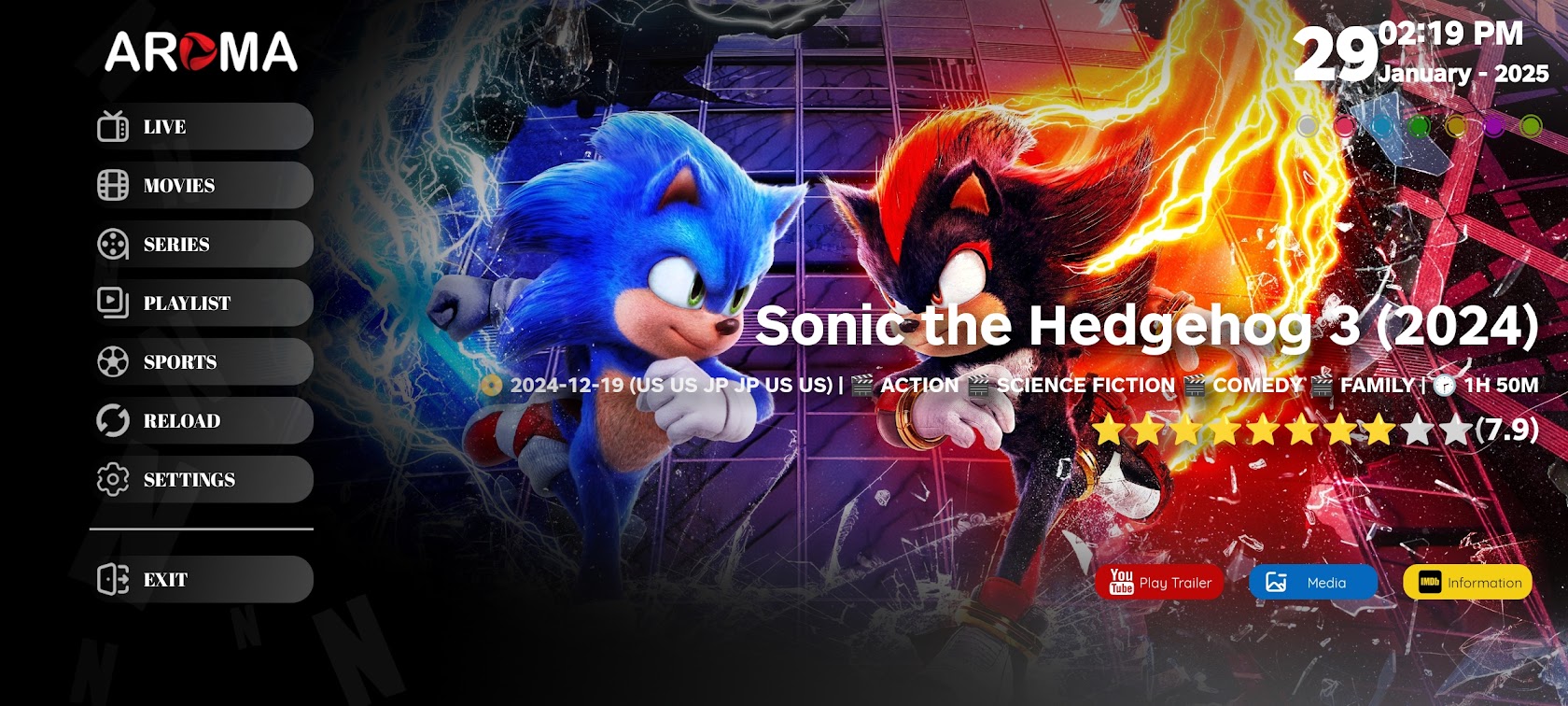
Android: Install using Downloader

Enable Developer options, allow APK installs, then install the latest Aroma APK.

  1. Enable Developer options: Settings → About phone → tap Build number 7 times.
  2. Allow APK installs: Settings → Security/Privacy → Install unknown apps → enable for Downloader/Browser.
  3. Install Downloader from Google Play and open it.
  4. Paste the APK link we provide, then DownloadInstall.
  5. Open the app and log in with your subscription details.

Need the latest APK link? Contact us on WhatsApp.

Smart TV: Bob Player / IBO Player setup

Install the player, send MAC/Device Key to activate, then load your subscription.

  1. On your Smart TV store, install BOB Player or IBO Player.
  2. Open the app and note the MAC Address and Device Key displayed.
  3. Send the MAC + Key to us on WhatsApp to activate the app and add your subscription.
  4. Restart the app after activation and your channels will load.

Activation / Subscription: whatsapp.aromatv.online

iOS: Install Aroma Red Player

Install from the App Store, then login using the details we provide.

  1. Open the App Store on iPhone/iPad.
  2. Search Aroma Red Player and install it.
  3. Open the app and choose Xtream Codes or M3U.
  4. Enter the credentials we send you, then save.

If you cannot find the app in your store, message us on WhatsApp for an alternative iOS player.

Live Support
✓ Copied